AscentERP2.0.0
Publisher Description
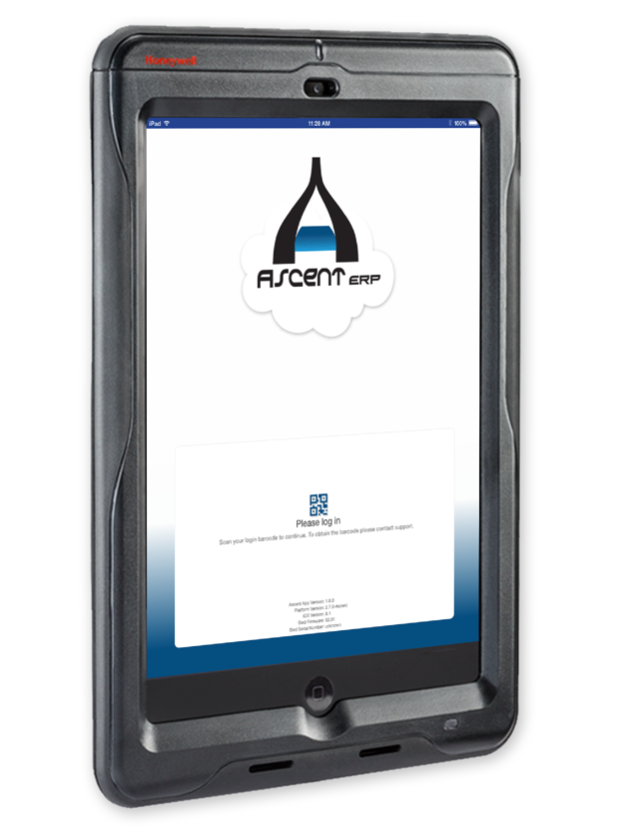
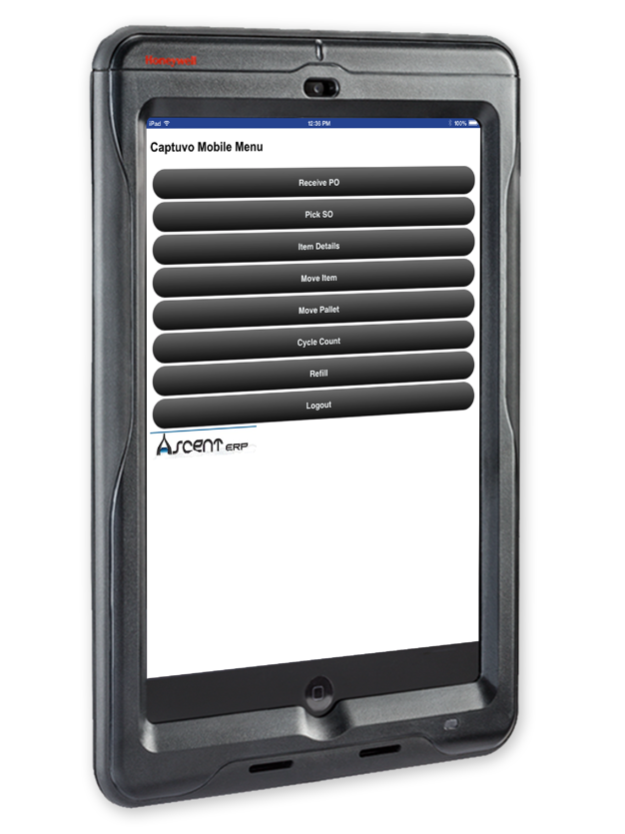
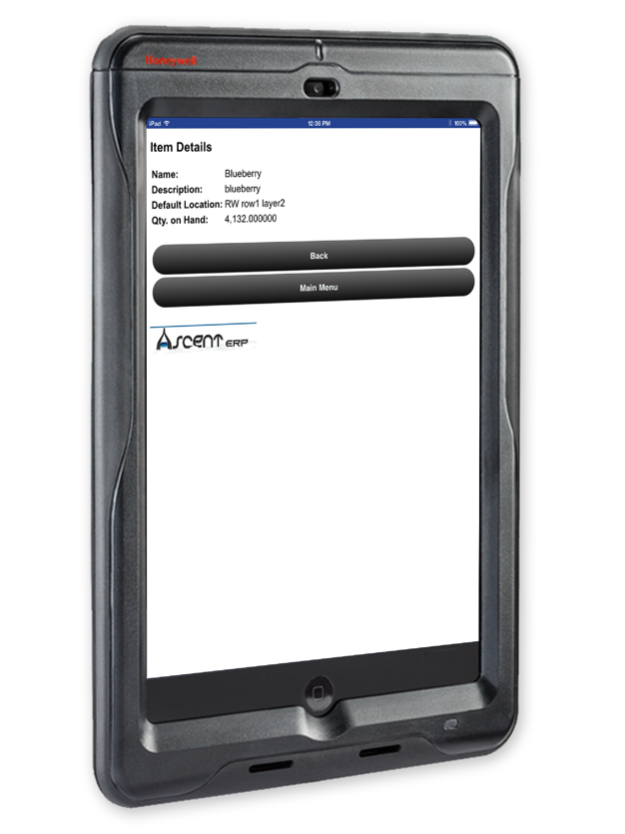
AscentERP is designed exclusively for the Force.com platform. AscentERP is a cloud based business system managing Sales Orders, Quotations, Purchase Orders, Bill Of Materials, Production Work Order, Master Planning, Inventory, Wireless BarCode Scanning, BarCode Printing, Rental Management and more.
We have integrate AscentERP with the following Force.com and non Force.com products: FinancialForce, Intacct, ZenKraft, ServiceMax, Kulturra, Conga Composer and Magento.
Some of the great AscentERP features are:
• Opportunities to quotations to sales order
• Purchasing, warehousing and manufacturing
• Pick, Pack, Ship and Receive
• Revision Control
• Bill of Materials, Serial Numbers and Lot Control
• Bar-Code Scanning and Bar-Code labeling
• RFID
• Rental, Loans, Warranty and subscriptions
We connect your back office with your front office for full visibility into your entire operation.
This iOS Optimized mobile version of AscentERP is designed to work with 3rd party scanning sleds such as the:
• Honeywell Captuvo SL22 (Generation 1 for iPod Touch 4G)
• Honeywell Captuvo SL22 (Generation 2 for iPod Touch 5G & 6G)
• Honeywell Captuvo SL42 (Generation 1 for iPhone 5 & 5s)
• Honeywell Captuvo SL42 (Generation 6 for iPhone 6 & 6 plus)
• Honeywell Captuvo SL62 (For iPad Mini 1, 2 & 3)
Feb 18, 2020
Version 2.0.0
• Updated scanner libraries
• More robust login handling
• Bug fixes and improvements
About AscentERP
The company that develops AscentERP is Dryrain Technologies. The latest version released by its developer is 2.0.0.
To install AscentERP on your iOS device, just click the green Continue To App button above to start the installation process. The app is listed on our website since 2020-02-18 and was downloaded 10 times. We have already checked if the download link is safe, however for your own protection we recommend that you scan the downloaded app with your antivirus. Your antivirus may detect the AscentERP as malware if the download link is broken.
How to install AscentERP on your iOS device:
- Click on the Continue To App button on our website. This will redirect you to the App Store.
- Once the AscentERP is shown in the iTunes listing of your iOS device, you can start its download and installation. Tap on the GET button to the right of the app to start downloading it.
- If you are not logged-in the iOS appstore app, you'll be prompted for your your Apple ID and/or password.
- After AscentERP is downloaded, you'll see an INSTALL button to the right. Tap on it to start the actual installation of the iOS app.
- Once installation is finished you can tap on the OPEN button to start it. Its icon will also be added to your device home screen.
Program Details
System requirements
Download information
Pricing
Version History
version 2.0.0
posted on 2020-02-18
Feb 18, 2020 Version 2.0.0
• Updated scanner libraries
• More robust login handling
• Bug fixes and improvements
version 1.1.3
posted on 2014-12-05
version 2.0.0
posted on 1970-01-01
2020年2月18日 Version 2.0.0
• Updated scanner libraries
• More robust login handling
• Bug fixes and improvements
